πŸ—ΊοΈ The Golden Data Toolkit - The Last Quest
  • 🏠 Quest Start
  • 🧭 Demo Guide
  • πŸ“Š Analysis
  • πŸ“½οΈ Slides
  • πŸ† Final Chamber
  • πŸŽ“ Instructor Notes

On this page

  • What is this quest?
  • The five quest stages
  • The artefact map
  • Why the Golden Data Toolkit matters

The Quest for the Golden Data Toolkit

A semester-finale class adventure in RStudio + Quarto
πŸ—ΊοΈ Welcome, Data Explorer

Somewhere inside RStudio there is a legendary artefact β€” the Golden Data Toolkit.
It belongs to those who can analyse, model, visualise, and communicate β€” all from a single source file.

Today, as a class, we will find it.

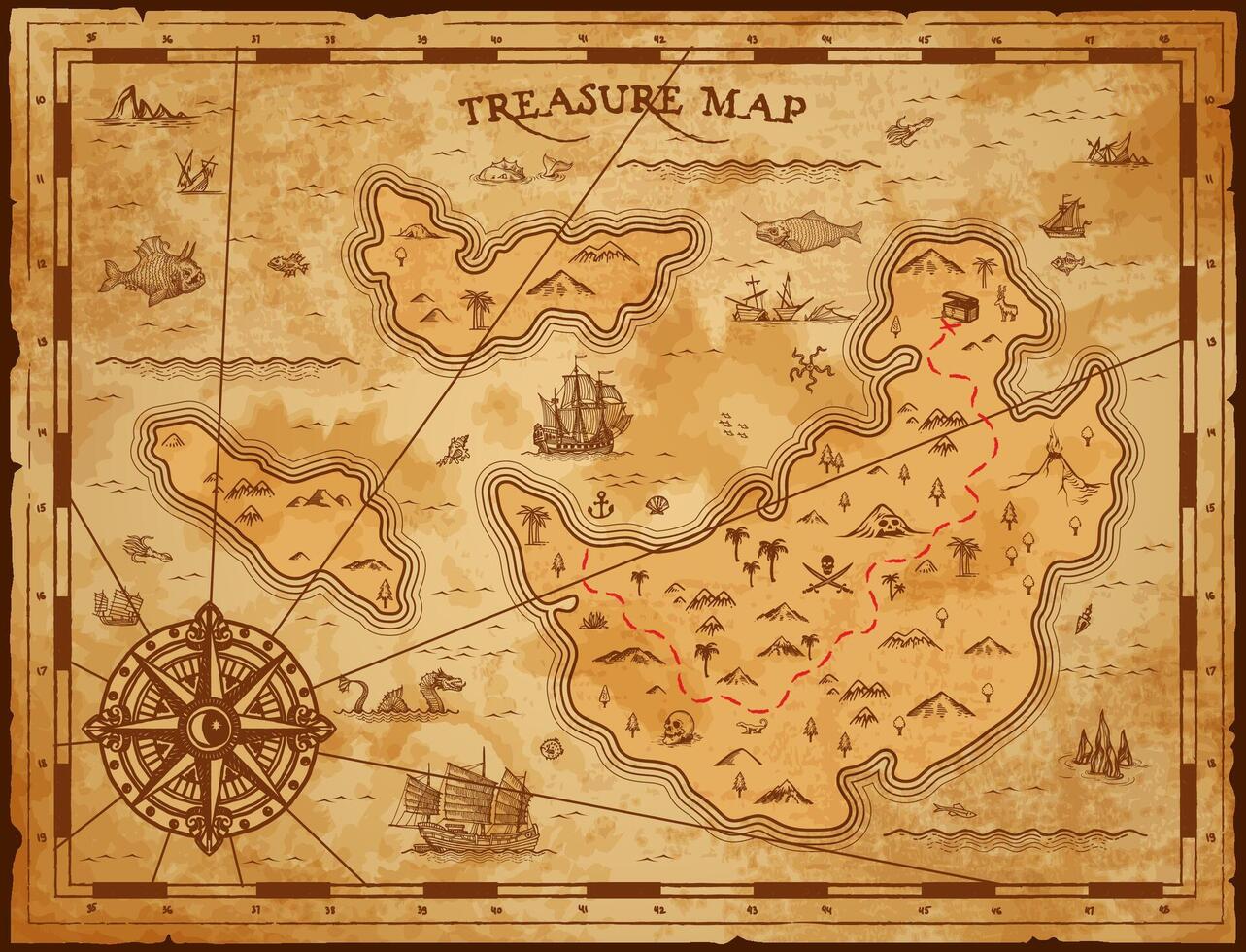
Vintage pirate treasure map

What is this quest?

This is not a test. There are no wrong answers.

This is an end-of-semester discovery class β€” a chance to see what becomes possible when you combine the tidyverse and tidymodels skills you already have with Quarto, the publishing system built into RStudio.

By the end of the hour you will have seen the same workflow produce a polished report, a slide deck, and a navigable website β€” all from a single .qmd file. That is the Golden Data Toolkit.

β€œThe analyst who masters this workflow stops being someone who works with data and becomes someone who communicates with it.”
Treasure chest opening


The five quest stages

🧭

Stage 1

Quarto + RStudio fundamentals

πŸ”

Stage 2

Exploratory data analysis

πŸ”¬

Stage 3

Tidymodels + diagnostics

πŸ“½οΈ

Stage 4

Revealjs presentation

πŸ†

Stage 5

Final chamber + reveal


The artefact map

File Role in the quest What you discover
demo.qmd 🧭 Field guide YAML, chunks, callouts, inline R
report.qmd πŸ“Š Analysis log EDA, ggplot, tidymodels, diagnostics
slides.qmd πŸ“½οΈ Briefing deck revealjs, columns, fragments
missions.qmd πŸ† Final chamber All four fragments β†’ Golden Toolkit
notes.qmd πŸŽ“ Command centre Timing guide + facilitation notes

Why the Golden Data Toolkit matters

The core idea

The best data analysts do not just analyse β€” they explain, visualise, and publish.
Quarto makes all three parts of that workflow live in the same file,
updated by the same code, rendered with a single command.
That is what makes it a toolkit, and what makes it golden.

πŸ΄β€β˜ οΈ Fragment #0 β€” The freebie: Every Quarto document begins with a β€” block. That block is called the YAML header. It controls everything about the output. Hold onto this Quarto (qmd)

Open demo.qmd to begin β†’ 🧭 Stage 1: Demo Guide

Pirate coding gif

Source Code
---
title: "The Quest for the Golden Data Toolkit"
subtitle: "A semester-finale class adventure in RStudio + Quarto"
page-layout: full
---

<div class="hero-banner">
<h1>πŸ—ΊοΈ Welcome, Data Explorer</h1>
<p>
Somewhere inside <strong>RStudio</strong> there is a legendary artefact β€”
the <strong>Golden Data Toolkit</strong>.<br>
It belongs to those who can <em>analyse</em>, <em>model</em>, <em>visualise</em>,
and <em>communicate</em> β€” all from a single source file.<br><br>
Today, as a class, we will find it.
</p>
</div>

<img src="https://pplx-res.cloudinary.com/image/upload/pplx_search_images/d63bb2d61848bc4106f4c1f5dd6356f9717a8fb4.jpg"
     alt="Vintage pirate treasure map"
     class="img-banner">

## What is this quest?

::: columns
::: {.column width="66%"}
This is not a test. There are no wrong answers.

This is an **end-of-semester discovery class** β€” a chance to see what becomes possible when you combine the tidyverse and tidymodels skills you already have with **Quarto**, the publishing system built into RStudio.

By the end of the hour you will have seen the same workflow produce a polished **report**, a **slide deck**, and a **navigable website** β€” all from a single `.qmd` file. That is the Golden Data Toolkit.

> _"The analyst who masters this workflow stops being someone who works with data and becomes someone who communicates with it."_
:::
::: {.column width="32%"}
<img src="https://media.giphy.com/media/4JUdRonaQA0kklmL1W/giphy.gif"
     alt="Treasure chest opening"
     class="gif-center">
:::
:::

---

## The five quest stages

<div class="quest-grid">
<div class="quest-box">
<div class="icon">🧭</div>
<h4>Stage 1</h4>
<p>Quarto + RStudio fundamentals</p>
</div>
<div class="quest-box">
<div class="icon">πŸ”</div>
<h4>Stage 2</h4>
<p>Exploratory data analysis</p>
</div>
<div class="quest-box">
<div class="icon">πŸ”¬</div>
<h4>Stage 3</h4>
<p>Tidymodels + diagnostics</p>
</div>
<div class="quest-box">
<div class="icon">πŸ“½οΈ</div>
<h4>Stage 4</h4>
<p>Revealjs presentation</p>
</div>
<div class="quest-box">
<div class="icon">πŸ†</div>
<h4>Stage 5</h4>
<p>Final chamber + reveal</p>
</div>
</div>

---

## The artefact map

| File | Role in the quest | What you discover |
|---|---|---|
| `demo.qmd` | 🧭 Field guide | YAML, chunks, callouts, inline R |
| `report.qmd` | πŸ“Š Analysis log | EDA, ggplot, tidymodels, diagnostics |
| `slides.qmd` | πŸ“½οΈ Briefing deck | revealjs, columns, fragments |
| `missions.qmd` | πŸ† Final chamber | All four fragments β†’ Golden Toolkit |
| `notes.qmd` | πŸŽ“ Command centre | Timing guide + facilitation notes |

---

## Why the Golden Data Toolkit matters

::: {.callout-tip}
## The core idea
The best data analysts do not just analyse β€” they explain, visualise, and publish.  
Quarto makes all three parts of that workflow live in the same file,  
updated by the same code, rendered with a single command.  
**That is what makes it a toolkit, and what makes it golden.**
:::

<div class="clue-box">
πŸ΄β€β˜ οΈ <strong>Fragment #0 β€” The freebie:</strong>
Every Quarto document begins with a <code>---</code> block. That block is called the <strong>YAML header</strong>. It controls everything about the output. Hold onto this <strong>Quarto (qmd)</strong word.
</div>


Open **`demo.qmd`** to begin β†’ [🧭 Stage 1: Demo Guide](demo.qmd)


<img src="https://media4.giphy.com/media/v1.Y2lkPTc5MGI3NjExODV5NDVhc3NrcjNoYTdlbjc0dm9mZnVwMG5mczJxN3B1azJ1N2wyNSZlcD12MV9pbnRlcm5hbF9naWZfYnlfaWQmY3Q9Zw/1Ctu1BCYf21we9tRmT/giphy.gif"
     alt="Pirate coding gif"
     class="gif-center">
 

Made with ❀️ and Quarto by Dr.B to thank his students for a great semester.